Gemini

Overview

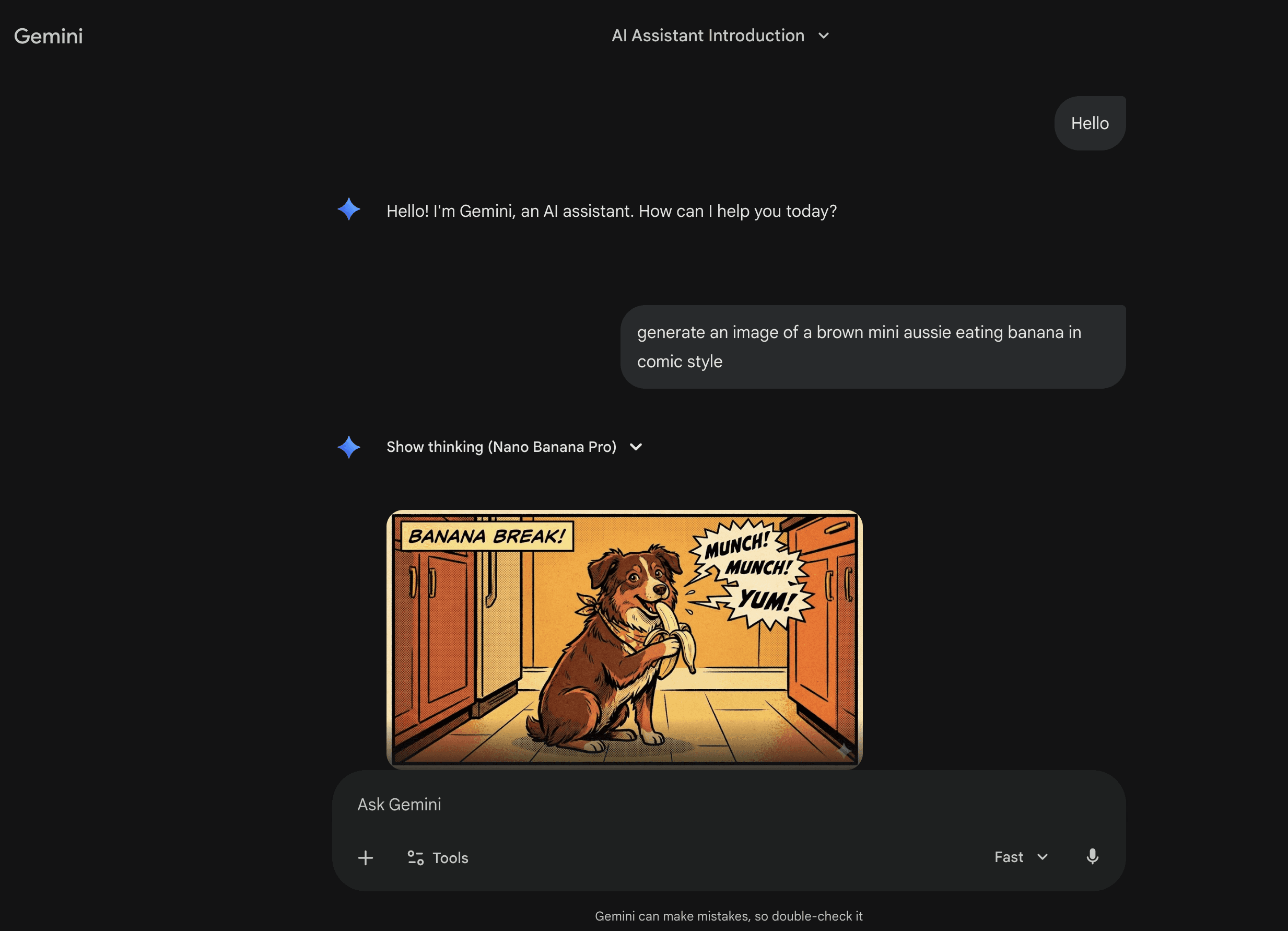
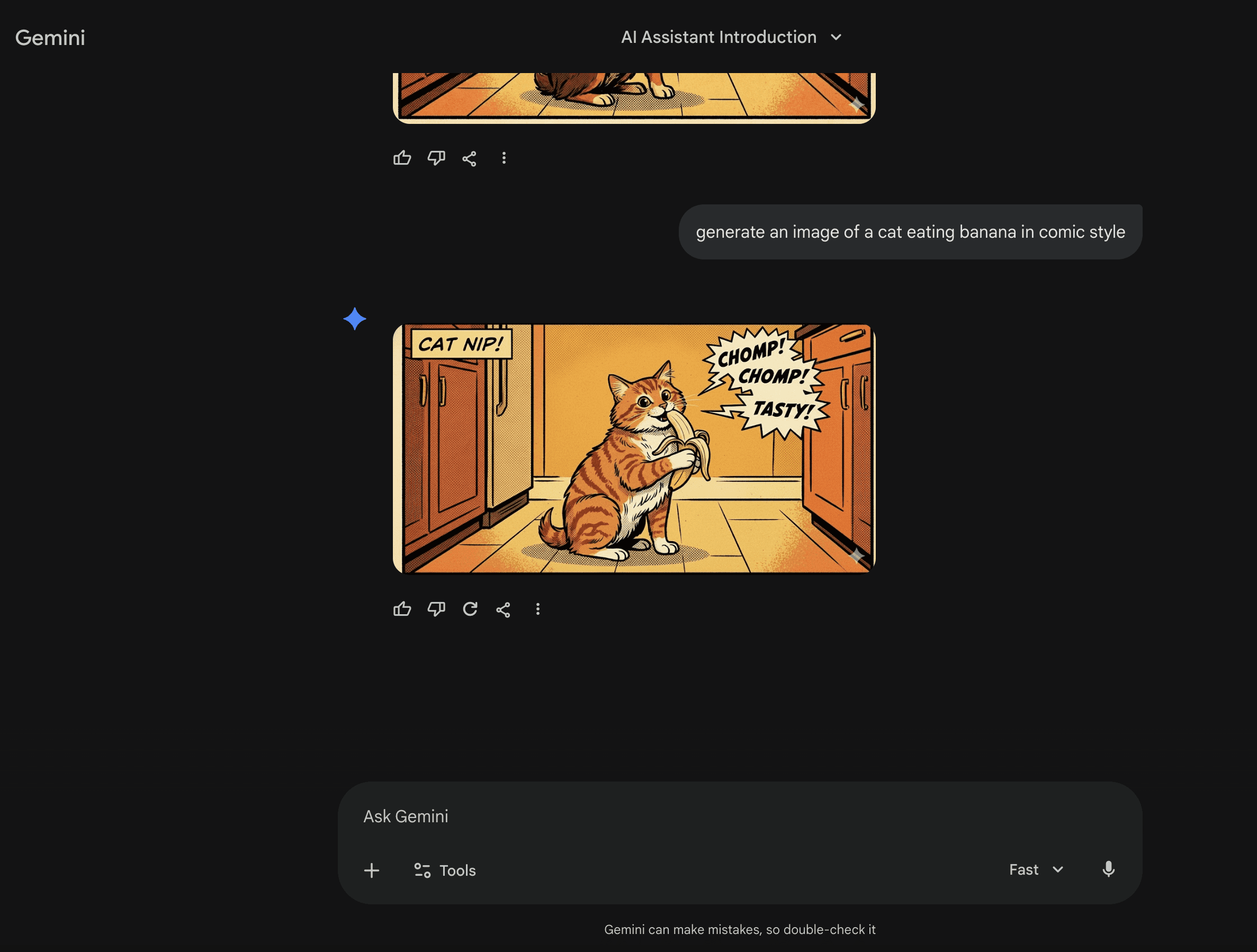
While experimenting with Gemini’s image generation, I noticed a small but recurring friction: once an image is generated, there’s no easy way to reference it in subsequent prompts. Users who want to iterate on or modify previous images must re-enter context manually—a repeated cognitive load that slows down creative exploration.

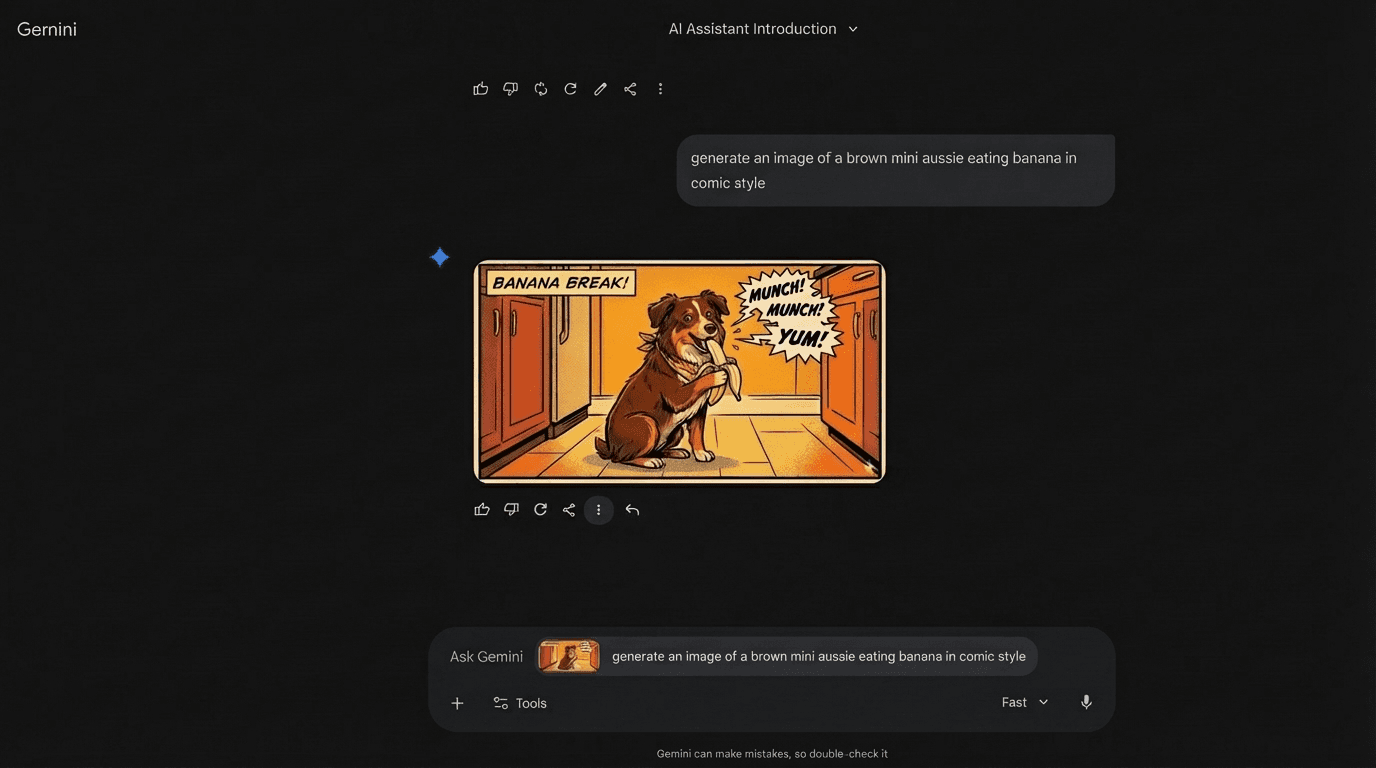
Inspired by messaging apps like WhatsApp, I explored a concept that lets users “reply with a previous image” directly in the chat. This allows for smooth iterations without losing context, making image generation more iterative, intuitive and conversational.

The Problem

Current Gemini behavior:

  • Users generate images via prompts

  • Iterating requires typing new prompts or re-uploading references

  • No easy way to reference previous images from earlier messages

This breaks the creative workflow and adds friction for anyone trying to experiment or refine visuals.

Design Insight

People are already familiar with replying or quoting messages in chat apps to reference earlier content. Applying the same mental model to image generation felt natural:

  • Reuse previous outputs without losing context

  • Iteratively refine or remix images

  • Reduce repetition and cognitive load

This insight became the foundation for a lightweight UI improvement that fits seamlessly within the existing Gemini interface.

Referencing Previous Images

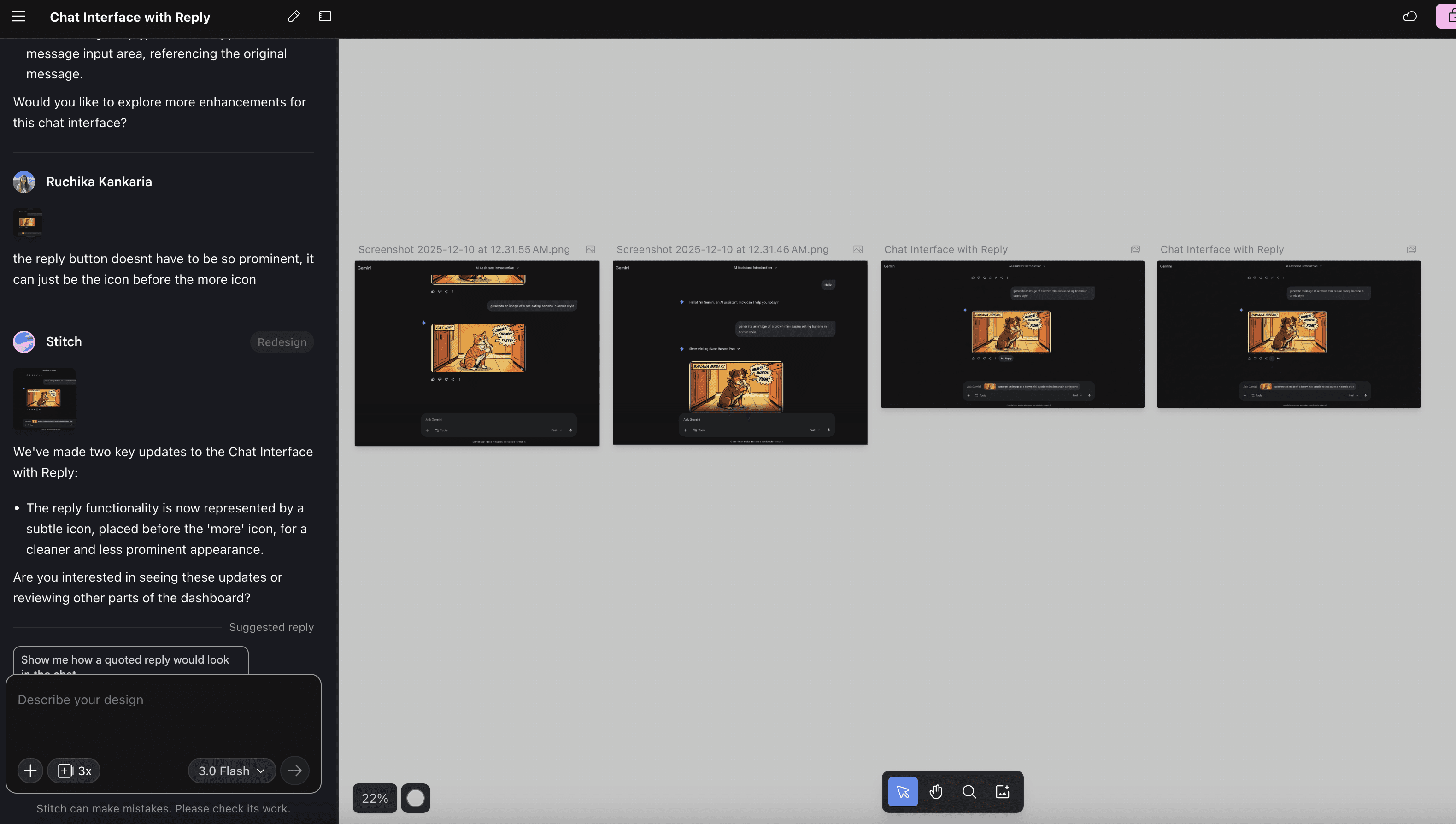
Using Stitch, I recreated Gemini’s existing UI screens by providing the AI with prompts and attaching current screenshots. I then iteratively guided the AI to implement my proposed solution, introducing a “reply” feature to enhance the workflow.

The proposed interaction allows a user to:

  1. Tap or select a previous image from the chat

  2. Include it in a new prompt as a reference

  3. Modify the prompt or experiment with variations

This keeps the workflow fluid and familiar, leveraging an existing mental model to improve usability without introducing heavy UI changes.


Reflections and Learnings

This mini-experiment reinforced several key design principles:

  • Iteration is a UX problem. Creative tools should support easy exploration, not just single outputs.

  • Mental models matter. Borrowing familiar patterns (replying / quoting) reduces learning friction.

  • Small changes can have outsized impact. This concept keeps users in the flow without disrupting existing behaviors.

Ultimately, the experiment reminded me that even minor interaction tweaks can transform a creative workflow, making AI tools feel more collaborative, intuitive and human-centered.

Let's collaborate and create something magical ✨

© 2026 Made with ♥️ by Ruchika Kankaria

Let's collaborate and create something magical ✨

© 2026 Made with ♥️ by Ruchika Kankaria

Let's collaborate and create something magical ✨

© 2026 Made with ♥️ by Ruchika Kankaria